Already have a menu?
Import a PDF or a photo. Review names, categories and prices. Your dishes are saved as drafts, ready for their images.
Catch the eye. Stir the appetite.
One swipe at a time.
7 days free · No card · No automatic charges
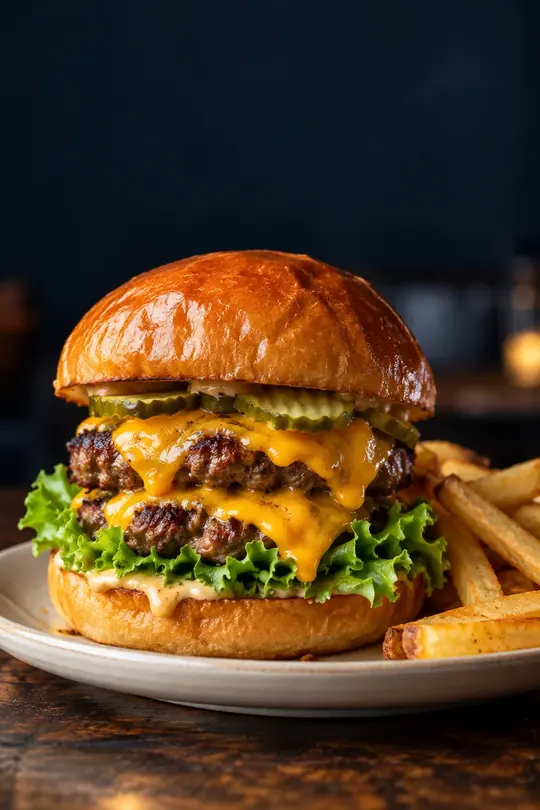
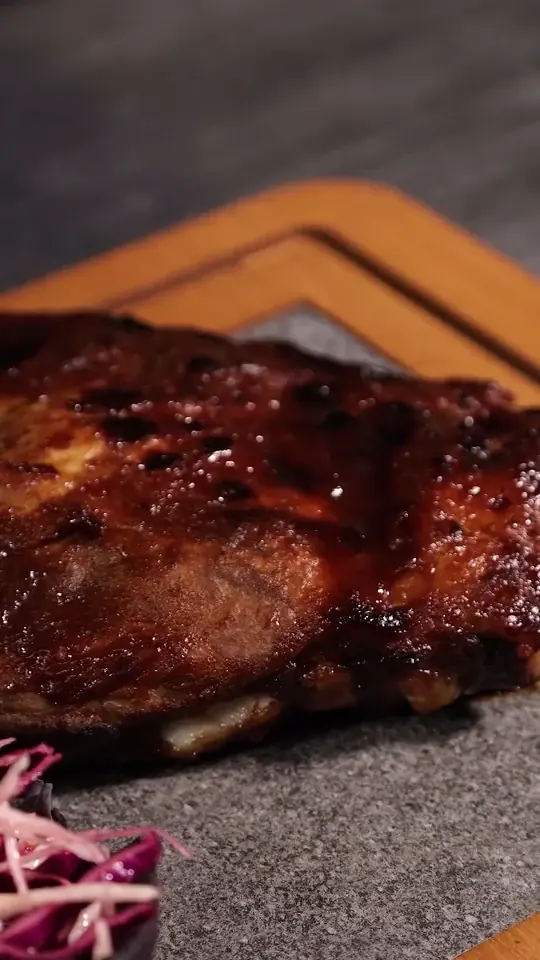
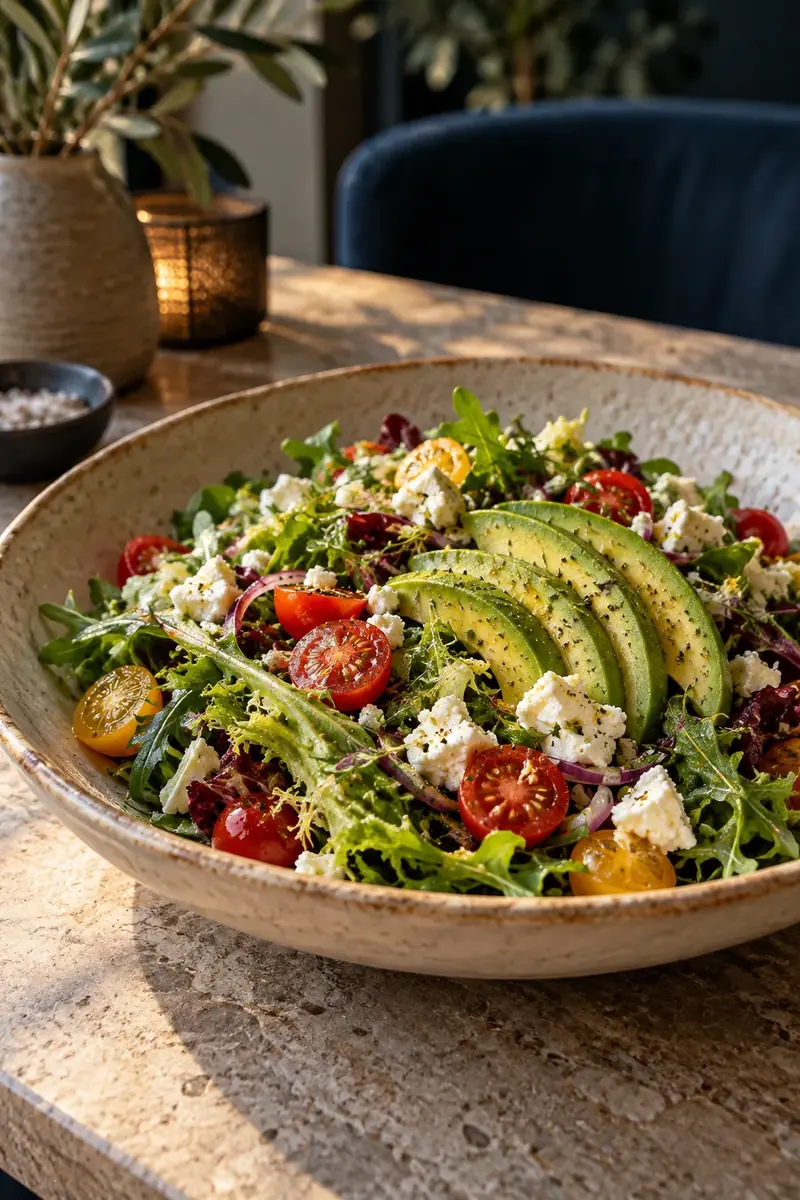 Full screen. Full appetite.
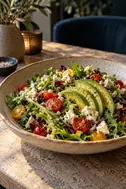
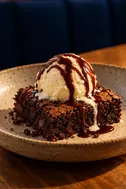
Photos, GIFs and videos fill the screen. Categories stay at the top. Tap for descriptions, prices and allergens.
Open it on your phone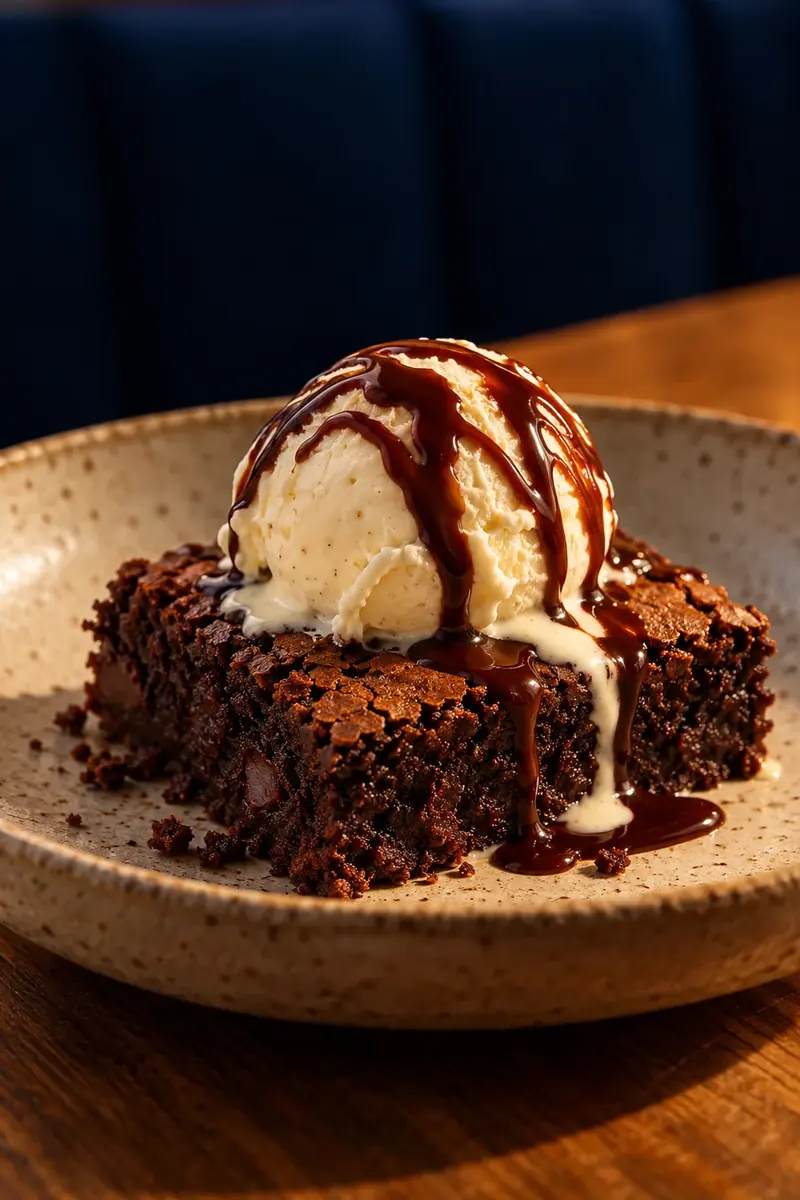
Bairro is a fictional restaurant. Images are used for demonstration.
After the welcome, guests meet the dish you want to put in the spotlight. This week’s special. The lunch menu. Something new worth discovering.
One button brings guests back to your highlight, whenever they want.
See it in actionImport your menu, add photos or videos, and update prices, availability and highlights. All from the dashboard, even on your phone.

One dashboard. Multiple restaurants.
Invite your team and choose who can edit.
Import a PDF or a photo. Review names, categories and prices. Your dishes are saved as drafts, ready for their images.
Full-screen dishes and highlights, with photos or short animations. Tap for descriptions, ingredients and allergens.
Update prices, create categories and mark sold-out dishes. Invite editors and manage multiple restaurants with separate access.
Share your address, phone number, Instagram and Wi-Fi details in your restaurant information. Make the look your own, too.
Free, unlimited imports. Edit whenever you need. Only published items count towards your plan limit.
See menu visits, dish views and estimated time on screen. Track opened details, additions to the list, and clicks to Google and WhatsApp.
These figures describe menu use. They do not confirm sales, accepted orders or published reviews.
Guests add dishes to their list, adjust quantities and review the total. When they continue to WhatsApp, the message already includes the items and their notes.
You confirm availability, collection or delivery, and payment in the conversation. Enable this option and set your number in the dashboard.
Try the list in the demoAdd your Google review link to the menu. Guests find the invitation at the end of the experience and in your restaurant information.
Customisable message. Reports count link clicks; the review is written on Google.
Create your restaurant and import your menu or add the dishes. Check your prices, add images and choose your highlight.
Activate your plan and publish. Write the link to an NFC card or download the QR code. You can also share your menu on social media.
The menu opens in a browser, with no app to install. Guests explore your dishes and, if you enable it, put together a list to order through WhatsApp.
Explore the demo or start setting up your restaurant in the dashboard.
Explore the plansNo. The menu opens in the phone’s browser. Guests can use a link, a QR code or a compatible NFC card.
Yes. Edit photos, descriptions, categories, euro prices and availability in the dashboard. Choose your highlighted dish and publish or unpublish your menu.
The card stores your menu link. Write the link from your dashboard to a compatible NFC tag. You can update the menu without rewriting the card, as long as the link stays the same.
Yes. An administrator can invite team members by email. Sign in with an emailed code. Editors manage dishes; administrators also manage settings and access.
Yes, when the restaurant enables WhatsApp ordering. Guests choose dishes and quantities, review the total and open a ready-to-send message. Your team confirms availability, delivery or collection, and payment. Meals are not paid for inside the menu.
Yes. Import a PDF or a photo, review the text, names, categories and prices, then create drafts. Add dish images afterwards. Imports are free and unlimited; scans and multiple columns need extra review.
See visits, dish views, estimated time on screen, opened details, list additions, Google clicks and WhatsApp opens. Filter by date and export dish reports as a CSV. These figures do not confirm purchases, sent orders or published reviews.
Set your review link and enable the invitation in the dashboard. The button opens Google for guests to leave a review. Menu Swap counts clicks; it does not read reviews or display an automatic rating.
Yes. Dishes and highlights support photos, GIFs and MP4 videos. Keep files short and light so the menu opens quickly on phones.
You have 7 days to try your selected plan and publish your menu, without a card or automatic charges. The period starts when you click Start free trial. One trial per account, for one restaurant. Afterwards, your menu stays saved in the dashboard; contact Menu Swap on WhatsApp or Instagram to arrange payment and keep publishing.
No. Share your link or download a QR code from the dashboard. Setup and NFC cards are optional, arranged separately with Menu Swap.
There are three plans per restaurant, for 20, 40 or unlimited items. Monthly and annual prices are on the plans page, with 2 months free annually. Start with 7 days free. To continue, arrange payment on WhatsApp +351 912 884 171 or Instagram @menuswapp. Imports and edits are free and unlimited. Setup and NFC cards are optional.